
ChippySync
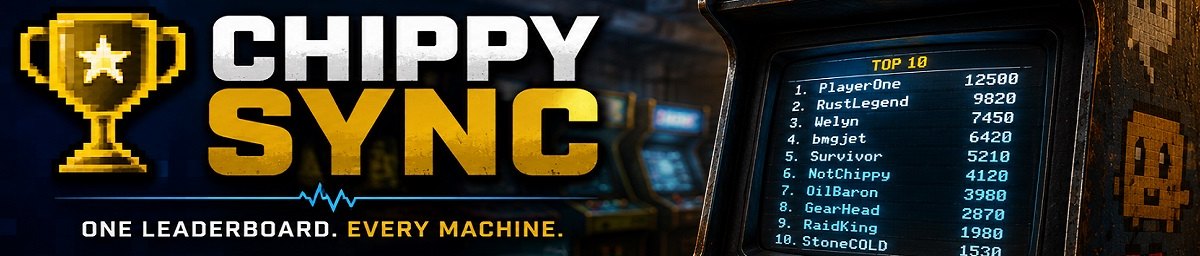
Sync all scores between chippy arcade machines, Post scores to discord and give rewards for levels reached.
# ChippySync
Synchronizes Rust arcade machine leaderboards so every Chippy machine shares the same top 10 scores.
Features
* Syncs scores across all arcade machines
* Creates a single shared leaderboard across the server
* Keeps the highest score for each player
* Displays the top 10 unique players on every machine
* Automatically detects arcade machines already on the map
* Detects newly spawned arcade machines
* Admin commands to manually add or remove scores
* Optional Discord webhook score announcements
* Configurable minimum score required for Discord announcements
* Optional rewards based on score levels
* Supports custom reward items and skins
* Optional reward sound effects
* Custom reward messages
* Rate-limits score processing to prevent arcade machine spam
* Automatically removes destroyed arcade machines from tracking
How It Works
ChippySync scans the server for all arcade machines when the server starts.
Scores from every machine are combined, sorted from highest to lowest, and the top 10 unique player scores are written back to every arcade machine.
When a new arcade machine is spawned, it is automatically added to the synchronized leaderboard system.
Admin Commands
Add Score
/chippysync.add <player> <score>Adds a score to the arcade machine you are looking at.
Example:
/chippysync.add PlayerName 500Remove Player Scores
/chippysync.remove <SteamID>Removes the specified player's scores from all tracked arcade machines.
Both commands are restricted to server admins.
Discord Integration
ChippySync can post new scores to a Discord webhook.
The Discord message supports:
{$PlayerName}
{$SteamID}
{$Score}
You can also configure the minimum score required before a score is posted to Discord.
Score Rewards
Rewards can optionally be enabled for players reaching configured score levels.
Each reward can specify:
* Score level
* Item ID
* Amount
* Skin ID
* Custom item name
A reward sound effect and custom reward message can also be configured.
Configuration
The configuration includes:
| Setting | Description |
| --------------- | ------------------------------------------- |
| Webhook | Discord webhook URL |
| DiscordPacket | Discord message template |
| Minscore | Minimum score for Discord/reward processing |
| EnableRewards | Enable score rewards |
| SFX | Reward sound effect |
| RewardText | Reward notification text |
| RewardList | Configured score rewards |